Top Heatsink Fan Types for Optimal Cooling Performance in Your PC?
In the world of PC cooling, the importance of a reliable heatsink fan cannot be overstated. Renowned thermal management consultant, Dr. Lisa Metz, emphasizes, "The right heatsink fan can make or break your system's performance." Choosing a heatsink fan requires considering various types available today. Each type serves unique cooling needs and design preferences.
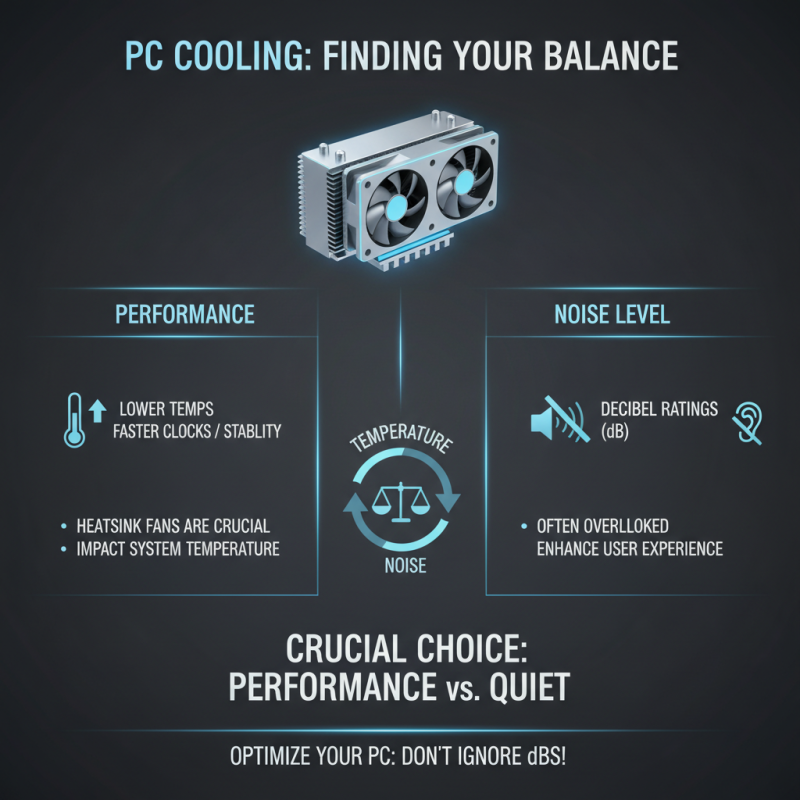
Many enthusiasts underestimate the nuances of heatsink fan performance. For instance, high RPM fans can provide excellent airflow but tend to be noisy. On the flip side, low RPM fans operate quietly but may not cool efficiently. Finding the balance is often a trial and error process.
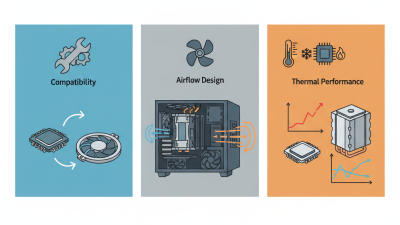
Moreover, not all heatsink fans fit every PC case. It's crucial to assess your setup's dimensions and airflow patterns. Many users miss this step, leading to suboptimal airflow. Awareness of these specifics is essential for maximizing cooling performance. A well-chosen heatsink fan enhances your system's efficiency while prolonging its life.
Types of Heatsink Fans: Overview of Key Specifications and Functions
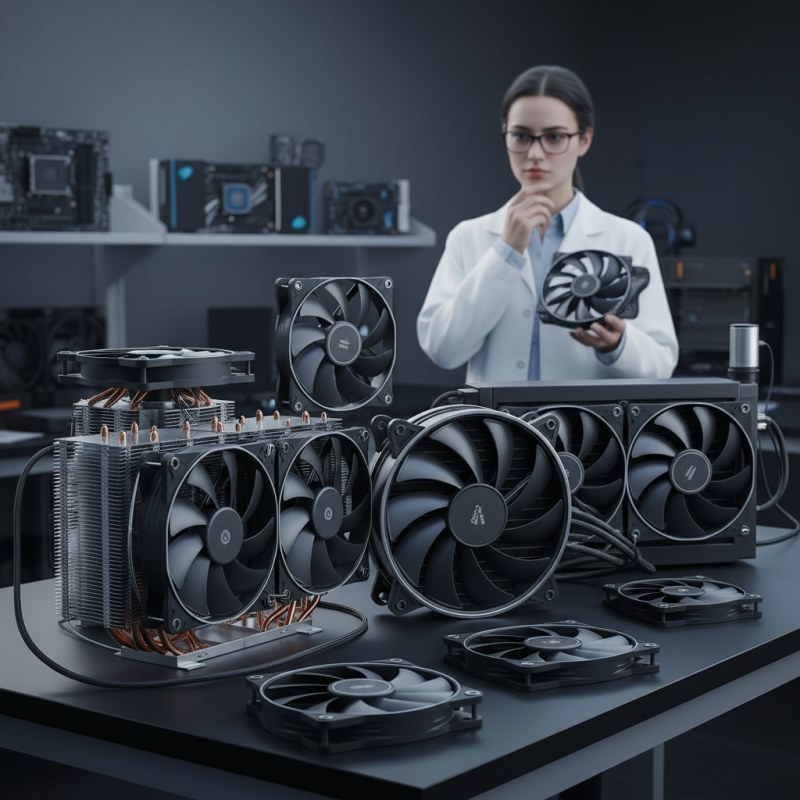
When it comes to PC cooling, heatsink fans play a vital role. The effectiveness of a heatsink fan is influenced by several key specifications. These include airflow, static pressure, and noise levels.
According to industry reports, optimal airflow generally ranges from 40 to 100 CFM (cubic feet per minute). Higher airflow usually leads to better cooling but can also increase noise levels. Thus, balancing performance and sound is crucial.
Static pressure is another critical aspect. It measures how well a fan can push air through dense components. Effective static pressure is essential for cooling systems where airflow is obstructed.
Reports suggest a static pressure rating of at least 1.5 mm H₂O is effective for most setups. In practice, achieving high static pressure often compromises fan speed, creating a feedback loop of performance issues.
Noise levels, measured in decibels (dB), also affect user experience. Many enthusiasts prefer fans that operate below 25 dB. However, high-performance options may exceed this threshold. Ultimately, the ideal heatsink fan balances airflow, static pressure, and noise. Understanding these specifications will help avoid potential pitfalls in performance and acoustics.
Airflow Metrics: Understanding CFM and Its Impact on Cooling Efficiency
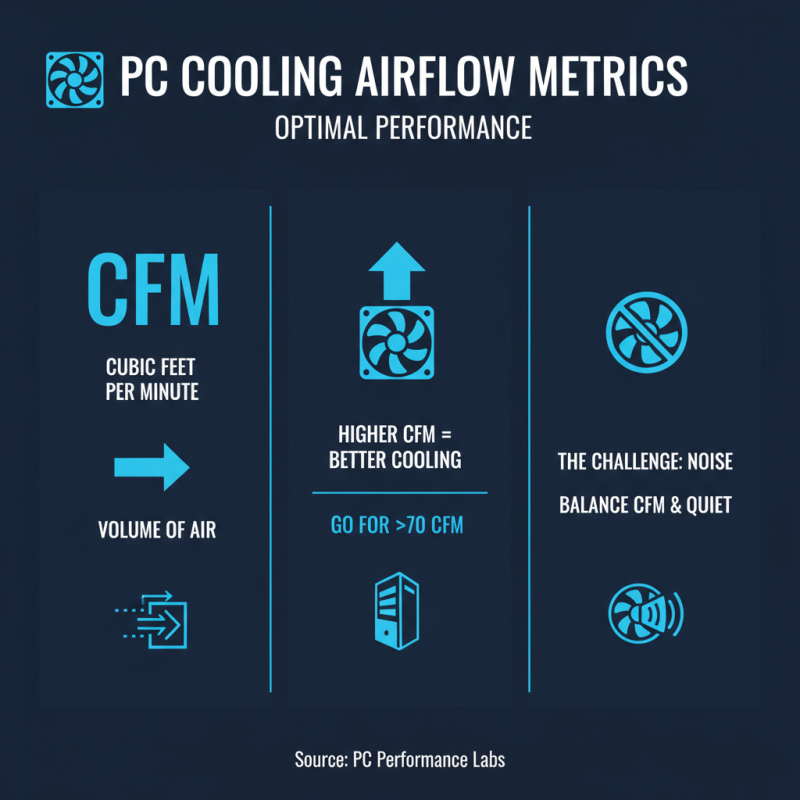
Understanding Airflow Metrics is crucial for optimal cooling performance in your PC. CFM, or cubic feet per minute, measures the volume of air a fan can move. A higher CFM indicates greater airflow, which can enhance cooling efficiency. Studies show that fans with a CFM rating above 70 are often ideal for high-performance systems. However, balancing CFM with noise levels remains a challenge.
Consider a fan operating at 80 CFM. It can potentially lower CPU temperatures substantially, yet it may produce noise that some users find distracting. Many enthusiasts suggest aiming for CFM ratings around 50 to 75 for a quieter operation. But this may compromise peak cooling potential. It prompts a need for reflection on what's more valuable: silence or cooling performance.
Furthermore, the design of heatsinks profoundly influences airflow. A poorly designed heatsink can restrict airflow, rendering even high-CFM fans ineffective. Professionals often recommend optimizing fan placement and heatsink design to achieve a perfect balance. Proper configuration can elevate cooling effectiveness while minimizing noise. Ultimately, achieving the right setup requires careful consideration of both CFM and airflow dynamics.
Compatibility Considerations: Sizing Heatsink Fans for Effective Integration
Choosing the right heatsink fan is crucial for your PC's cooling performance. Compatibility mainly revolves around size. Each case has specific dimensions. An oversized fan may impede airflow. A compact fan could struggle to cool high-performance CPUs. Measure your case space carefully before buying.
Pay attention to the heatsink's height and width. These factors can limit your options. A tall heatsink may not fit under your case’s side panel. Meanwhile, a wide fan risks hitting RAM modules. Always cross-check the dimensions against your case specifications. This prevents installation issues later.
Noise levels are another consideration. Larger fans often spin slower, creating less sound. Smaller fans may ramp up speeds, leading to increased noise. Balancing cooling and acoustics is tricky. Striking the right balance takes some planning. Consider your priorities. Efficient cooling or silent operation? Each choice has its trade-offs.
Materials and Design: Analyzing Heat Conductivity and Durability Factors
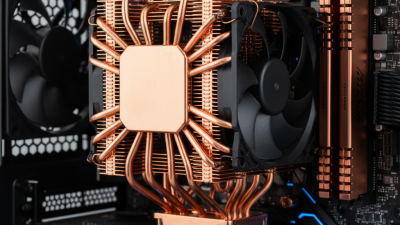
When selecting a heatsink fan, materials play a crucial role. Materials like copper and aluminum are commonly used due to their thermal conductivity. A report from the Journal of Electronics Cooling highlights that copper has a thermal conductivity rating of 401 W/mK, while aluminum sits at 237 W/mK. This means copper is generally more efficient in transferring heat away from critical components.
Design factors also influence cooling performance. The surface area of a heatsink increases its ability to dissipate heat. A larger surface area allows for better airflow and thermal regulation. However, oversized heatsinks may obstruct other components, leading to potential installation issues. It's a balance between efficiency and compatibility.
Tips: Always check your PC case dimensions before purchasing a heatsink. Also, consider fan orientation. An upward airflow can improve heat dissipation significantly, but improper placement might restrict airflow. Inadequate designs can cause overheating, so choose wisely.






 Mr. Perry Wu International Sales Director